Find out how to get your first Terminal/POS
FREE
QCentric

Built for

Payment Control
Connected In One Portal.

See what’s happening
without switching systems.

View activity, funding, reporting, and account updates in one place, so you can spend less time searching for answers and more time running your business.

1

Portal

Accounts

0

Tab switching

Make the work behind every account easier to manage.

01

Access More From One Place

Move between payment data, reporting, account information, and connected Quantum platforms without relying on separate systems.

02

See Cash Flow
Clearer

Stay closer to the payment activity that affects deposits, funding timing, disputes, and daily business decisions.

03

Connect Multiple
Gateways

Bring payment activity across different gateway environments into one clearer experience for merchants, teams, and partner networks.

04

Manage Growth
Easier

Merchants and partners have a clearer way to track account status, locations, MIDs, and payment activity as their business or network grows.

A Closer Look Inside QCentric

Make payments easy for your customers by securely storing multiple cards on file for a smoother checkout experience that keeps customers coming back.
For merchant

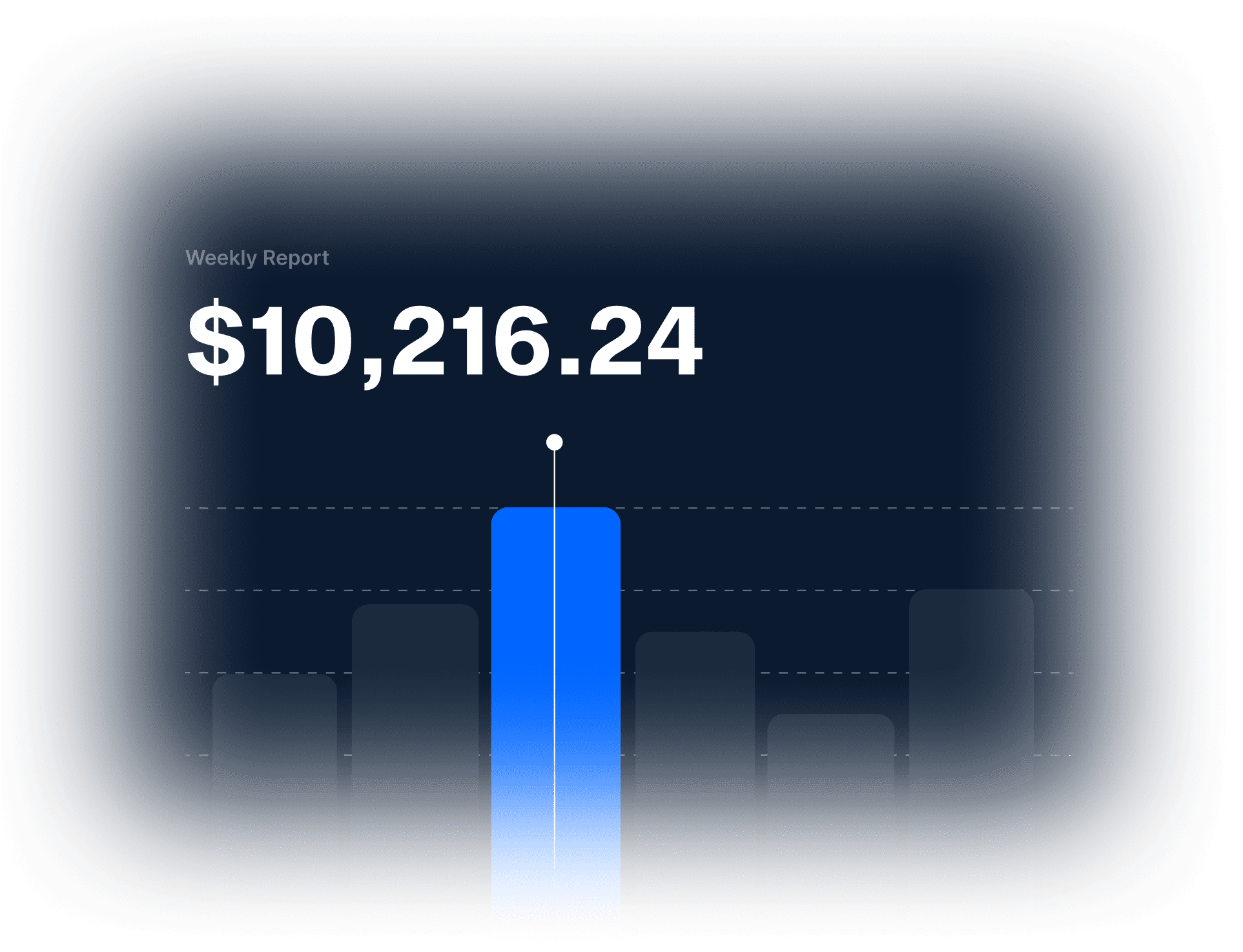
Get a quick snapshot of your merchant account once processing begins.
Includes:
  • Review sales volume and transaction totals
  • Track average net sales
  • View latest deposits and statements

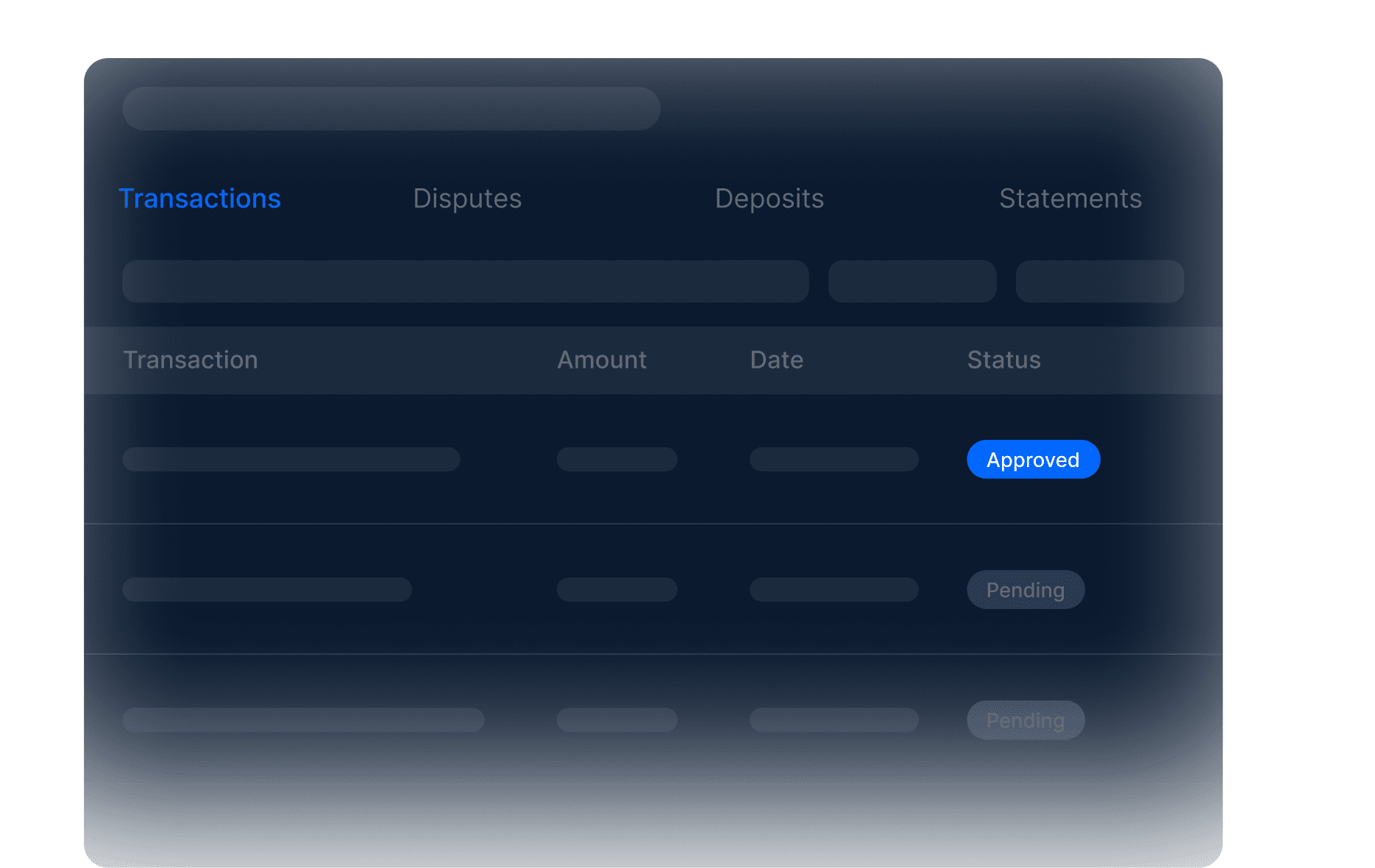
Review the payment records and reporting details tied to your merchant account.
Includes:
  • Search and review transaction activity
  • Review disputes and chargeback activity
  • View deposits, batches, and statements

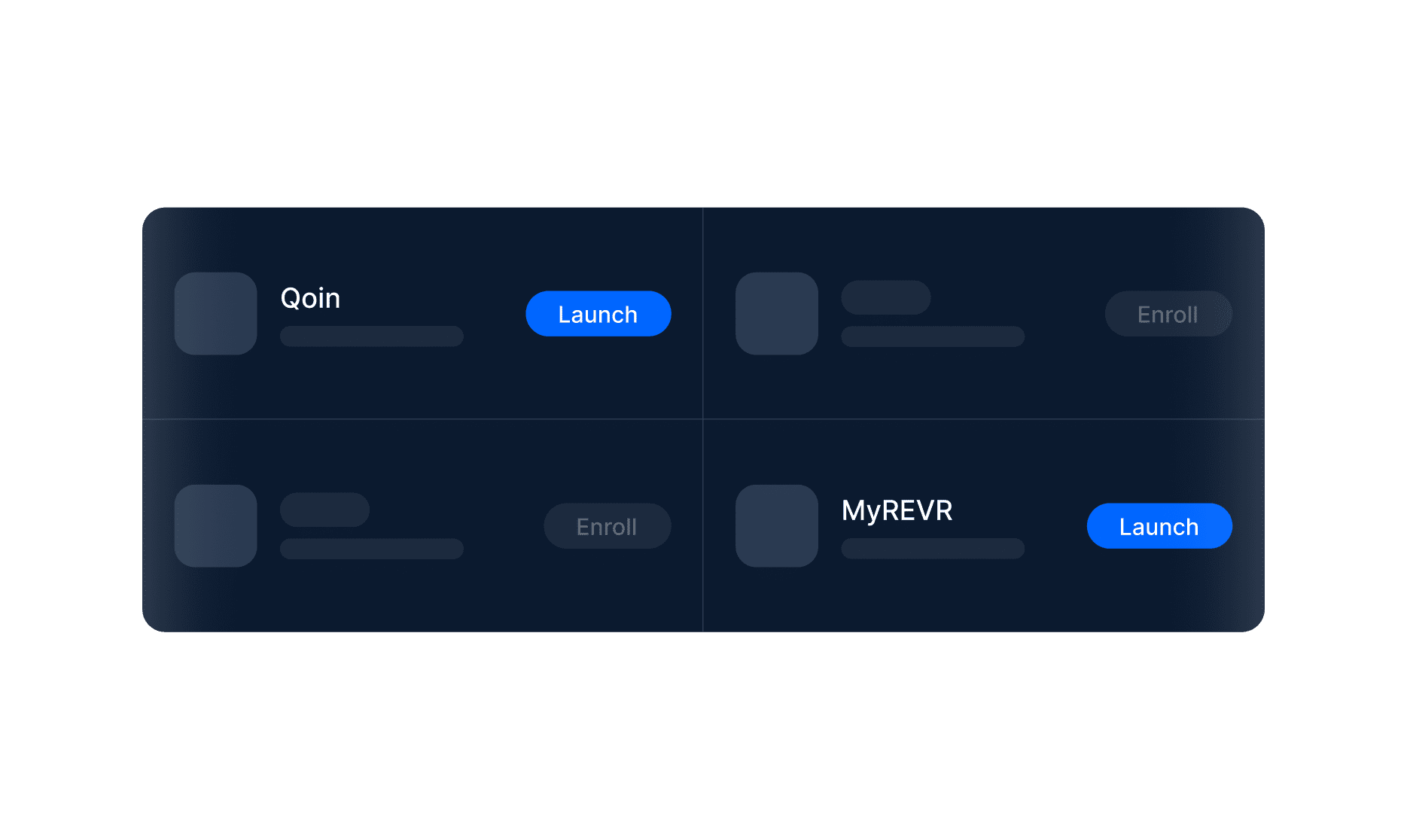
Use QCentric as a starting point for the Quantum tools and supported platforms tied to your account.
Includes:
  • Access connected Quantum platforms
  • Easily reach payment, invoice, and recurring billing tools
  • Find resources and account support links

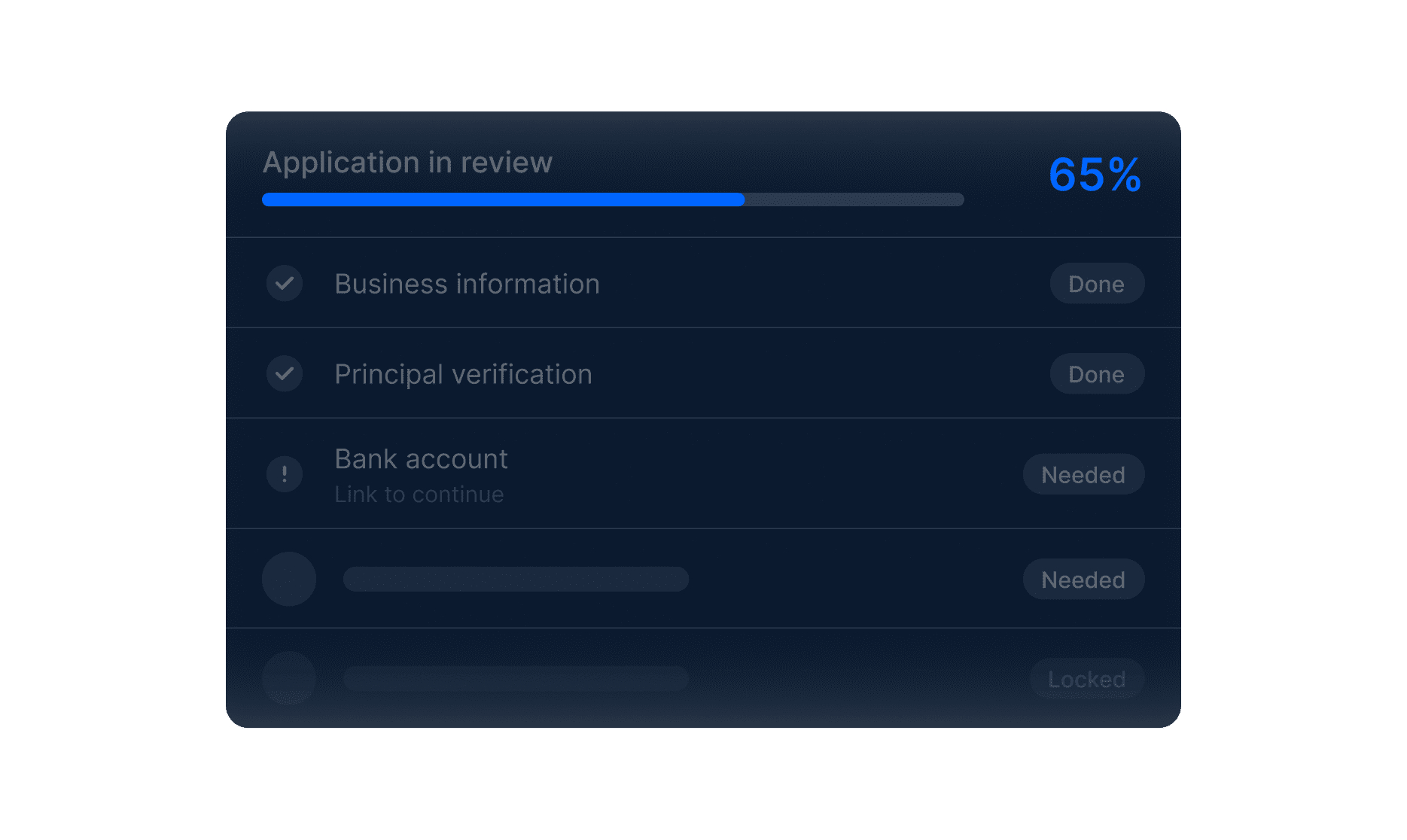
Follow your application status, see what is still needed, and preview available tools before your account goes live.
Includes:
  • View application progress
  • Preview available portal tools before approval
  • Track pending requirements
For Partners

See which merchants are boarded, active, live, or multi-location, then review the account details, MIDs, and processing information tied to each merchant.
Includes:
  • View merchants across your portfolio
  • Track average net sales
  • View latest deposits and statements

Give your merchants access to a portal experience that reflects your brand while still connecting them to the payment data, account activity, and tools powered by Quantum.
Includes:
  • Give merchants access to account activity
  • Connect merchants to payment data and tools
  • Maintain partner visibility behind the scenes

From Application to Account Access

Submit What’s Needed

Provide your business details, processing information, documents, and signatures in QCentric.

Move Through Review

Once submitted, your application can move through Quantum’s review and approval process.

Access Reporting Once Live

After approval, view key account data when your business starts processing.

Choose Your Gateway

Select the gateway that fits your platform, billing needs, and checkout experience.

Connect Your Channels

Integrate your website, POS system, or invoicing tools.

Configure Payments

Set up how you want to accept payments — subscriptions, one-time, invoices, or in-person.

Start Processing

Begin accepting payments with a system designed around your business.

Built for Merchants. Chosen by Agents.

The PayTech partner leading
businesses choose.

Quantum powers your profits, simplifies your operations, and strengthens customer relationships, with 5-star support that puts your business first.

Start growing with Quantum

Create your free account in minutes, and join the thousands of
businesses using Quantum
24/7 Multi-Lingual Support
Quantum ePay
Quantum Electronic Payments LLC is a registered ISO/MSP of Central Bank, St. Louis, MO, and FFB Bank, Fresno, CA.
© Copyright 2026 Quantum ePay
Choose Time
Your Info

Find a time to meet

Meeting duration: 15 mins

Your information